




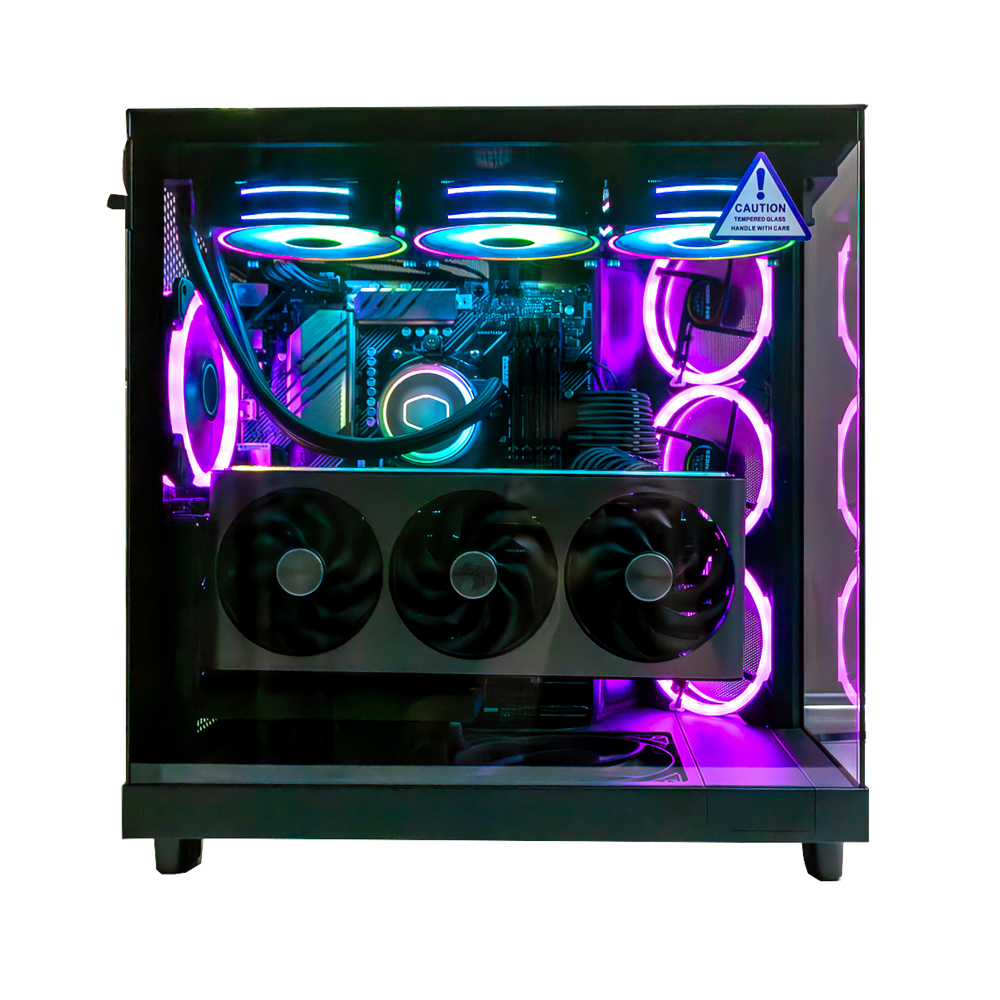
Need to get your Desktop PC repaired?
We repair all types of desktop computers, from home office PCs to business-grade computers and gaming PCs.
We provide maintenance, upgrades and repairs when things aren’t working the way they should.
Our team handles desktop PC maintenance, cleaning and hardware upgrades.
Call our friendly technician to enquire today.
Our Desktop PC Repair Services
We repair all brands, models & types of desktop computers.
Our Desktop Repairs Services Include
- Maintenance & cleaning
- Graphics card upgrades
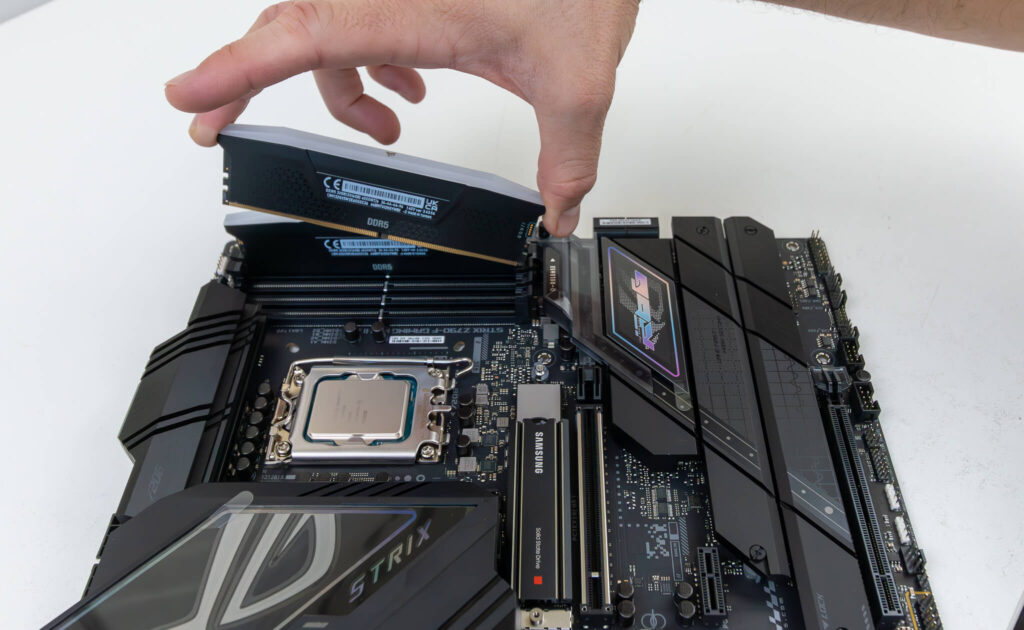
- RAM upgrades
- New Hard drives install & configuration
- Power Supply replacements
- Overheating issues
- System Cleaning
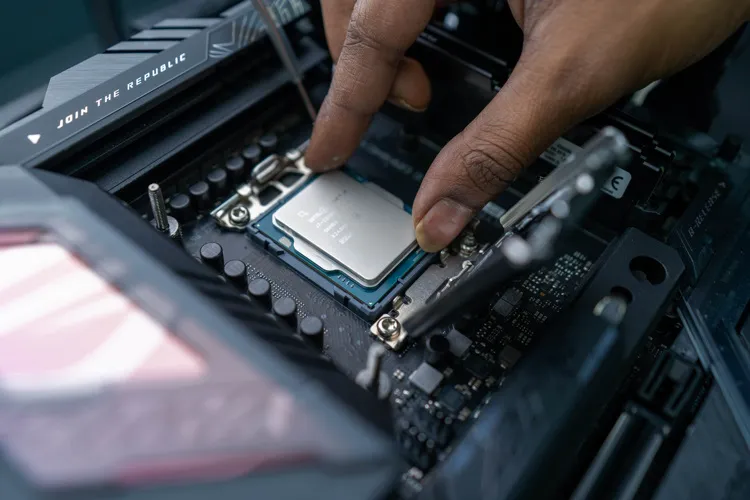
Desktop PC Repairs and Maintenance in Brisbane
When your Desktop PC needs repair, upgrade, cleaning or maintenance, call Pro Computer Repairs to have your desktop computer serviced today!
If you have an issue with your home or office PC, we can get it repaired without any hassle.
We handle upgrades to all major components, including RAM and hard drive (HDD & SSD) upgrades, plus data recovery.
Computer Hardware Upgrades
Need to upgrade your hard drive storage or memory? Our computer technician can upgrade computers fast!
We handle RAM upgrades, hard drive replacements, cleaning and maintenance.
Most PC’s can be repaired and serviced. You can see the price for each service on our price list. Our quick turnaround time on these types of projects means that we can usually get your machine running again in a day or two.
Our desktop PC repair services are carried out by a qualified, experienced professional who specialised in repairing Windows based machines.
Call 0421 992 625 to book your PC in.
Hardware Upgrades & Maintenance
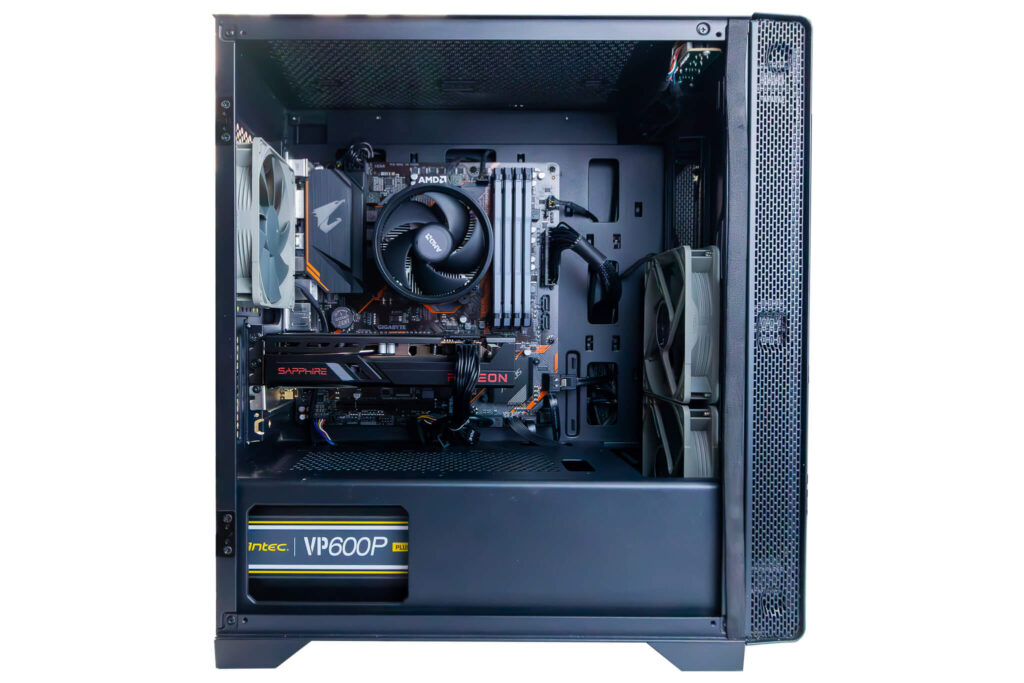
Upgrading your Desktop PC’s hardware and cleaning the dust out can make a real difference to speed and reliability.
We offer hard drive upgrades to improve performance and storage capacity, as well as memory (RAM) upgrades to help increase your productivity.
- HDD to SSD Upgrades
- Hard Drive Cloning
- Memory (RAM) Upgrades
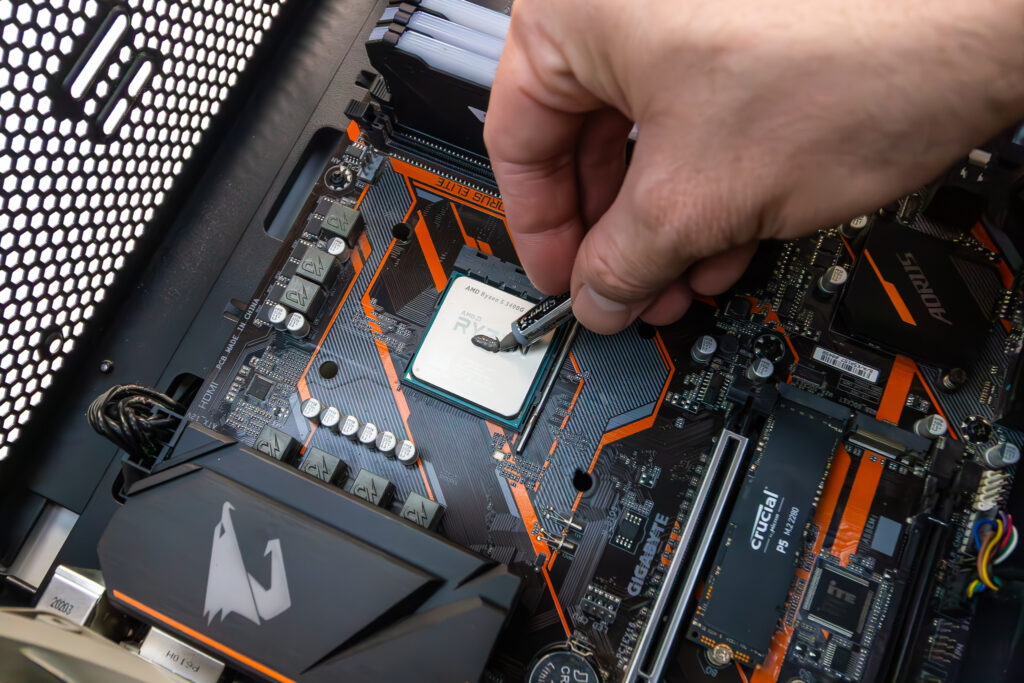
- New CPU Thermal Paste
- Dust Removal & Cleaning
Frequently Asked Questions (FAQs)
-
Why won't my desktop computer boot?
There are several reasons that a desktop computer may not boot correctly. 1. Ensure that the PC is connected to power, and that all display cables are connected from the back of the tower to the monitor correctly. Check these connections as they may come loose over time. In addition to checking the cables going to the monitor, please ensure that the monitor has the correct input source selected. 2. Occasionally, re-seating the computer's RAM modules can resolve boot issues. We encourage you to try removing the RAM modules, and re-installing them into the same memory slots that they were originally inserted into. 3. If you've tried the above, and are still experiencing problems starting/booting up your computer, please contact our expert technician for assistance.
-
Can I upgrade my desktop computer?
Yes. A desktop's biggest advantage over a laptop is that individual parts can be replaced and swapped out, giving it a much longer useful life. Typical upgrades that improve performance include more memory (RAM), a Solid State Drive (SSD), and a new processor (CPU). Contact our friendly technician for more information.
-
Why is my Desktop PC slow, and can this be fixed?
It is common for a computer's hard drive to get slower over time due to the amount of data that is written to the drive. Some common fixes for this are to run software fixes to bring the hard drive back to life and to speed up their performance. Regardless of the PC's age, repairs are generally more viable than purchasing a whole new PC. When the software side of things is all in great working order, typical hardware upgrades that can improve performance include Hard Drive upgrades, Memory (RAM) upgrades, and more.
-
How often should I have my Desktop PC cleaned and serviced?
Once a year suits most desktops. Every six months is better if it sits on carpet, lives in a dusty room, or you have pets. If the fans have got louder or it is running hotter than it used to, book it in sooner.
-
Why does my monitor say 'No Signal Found'?
When your monitor presents the message 'No Signal Found', this usually means that a piece of hardware is preventing your computer from starting up correctly. We recommend you check that all the display cables are connected correctly, and that your monitor is set to the correct input signal. If all else fails, our friendly technician is an expert when it comes to troubleshooting and diagnosing these sorts of issues, and is here to help.